- Model
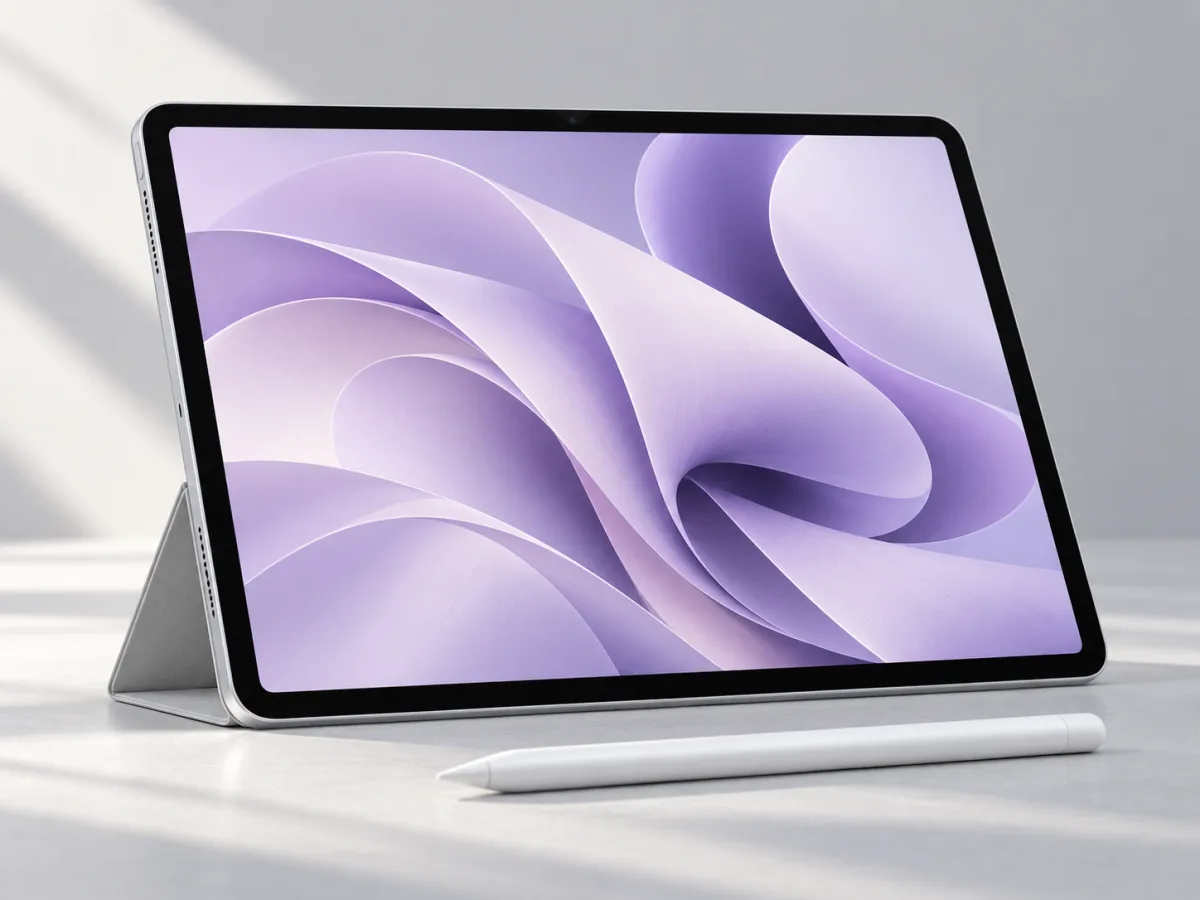
- 11-inch iPad Air (M2), 2024
- Memory
- 8 GB
- Storage options
- 128 GB to 1 TB
- USB-C
- Up to 10 Gb/s
Give the tablet a specific job
A tablet is an easier purchase to evaluate when you can finish this sentence: I will use it for this task, this often, in this place. Reading course material on the train is a clearer reason than being more productive. Annotating a weekly set of plans is easier to budget for than perhaps getting into drawing. You do not need a professional use case; you need one you will return to.
List what you already use for that task and where it falls short. Is the problem handwriting, screen size, portability or simply that you prefer a separate device? This helps decide whether an iPad adds something useful to your routine. It can also reveal that your existing laptop or phone already handles the job well enough.
Know which Air you are looking at
This article covers the 2024 11-inch iPad Air with M2. Apple's technical specifications list an eight-core CPU, nine-core GPU and 8 GB of memory. Storage starts at 128 GB and goes up to 1 TB. The display is rated at 500 nits, and the listed weight is 462 grams. These details identify the model; they do not measure how quickly it will complete your particular project.
Make your storage choice around material that needs to stay available offline. A reading collection, downloaded lessons, large artwork and locally stored video deserve a separate count. Also decide how you will move completed work elsewhere. Our advice is to plan a simple filing habit before buying more capacity. Being able to find an important document matters throughout the life of the device.
Build the accessory list before the budget
Apple lists support for Apple Pencil Pro and Apple Pencil (USB-C) on this model. Do not buy a Pencil by appearance alone or assume that an accessory from a different iPad will fit. Check the exact generation and the features you need. The USB-C port supports data rates up to 10 Gb/s and DisplayPort output, but accessories still need their own compatibility check.
Write down a complete kit: tablet, protective cover, input device and any keyboard or adapter your intended task needs. Then compare that total with your budget. If handwriting is the reason for buying, try your chosen note app and Pencil combination together when possible. If typing is central, test a realistic document at a table. Include setup and packing away in that trial, because those small steps become part of every work session.
Rehearse the work before replacing a laptop
Choose one ordinary task from beginning to end: receiving a file, editing it, exporting the required format and sending it back. Repeat that process with the apps and accounts you actually need. Pay attention to naming files, using browser tools and working with more than one source. A polished demonstration of an individual app is less informative than completing your whole routine.
If the workflow works and the tablet feels comfortable to use, the decision has a solid basis. If it requires repeated workarounds, consider using the iPad alongside your computer. Our conclusion is to let the role determine the purchase. A tablet that does one valuable job regularly can be a better choice than an ambitious setup that makes familiar work harder.
- Name the task you expect to do every week.
- Check app, Pencil and keyboard compatibility.
- Compare the total kit cost with your other options.
Buy a tablet for a task, then build the kit.
Put the M2 Air on your list if handwriting, drawing or a portable reading surface solves a recurring need. Choose the apps and accessories at the same time. If you expect it to replace a computer, rehearse your essential workflow on an iPad before making the switch.
Worth considering for
- Students with an established digital note-taking plan
- People exploring compatible drawing and annotation apps
- Readers who want a tablet alongside an existing computer
Before you decide
- Check the exact Pencil and keyboard compatibility
- A laptop replacement needs an app-by-app workflow check
Sources & notes
Official information consulted for this story. Specifications refer to the named model and generation; check the exact version offered by your retailer.
- Apple — iPad Air 11-inch (M2) technical specifications
- Apple — Introducing the 11-inch and 13-inch iPad Air with M2
Published October 24, 2026. No affiliate links appear in this story.